

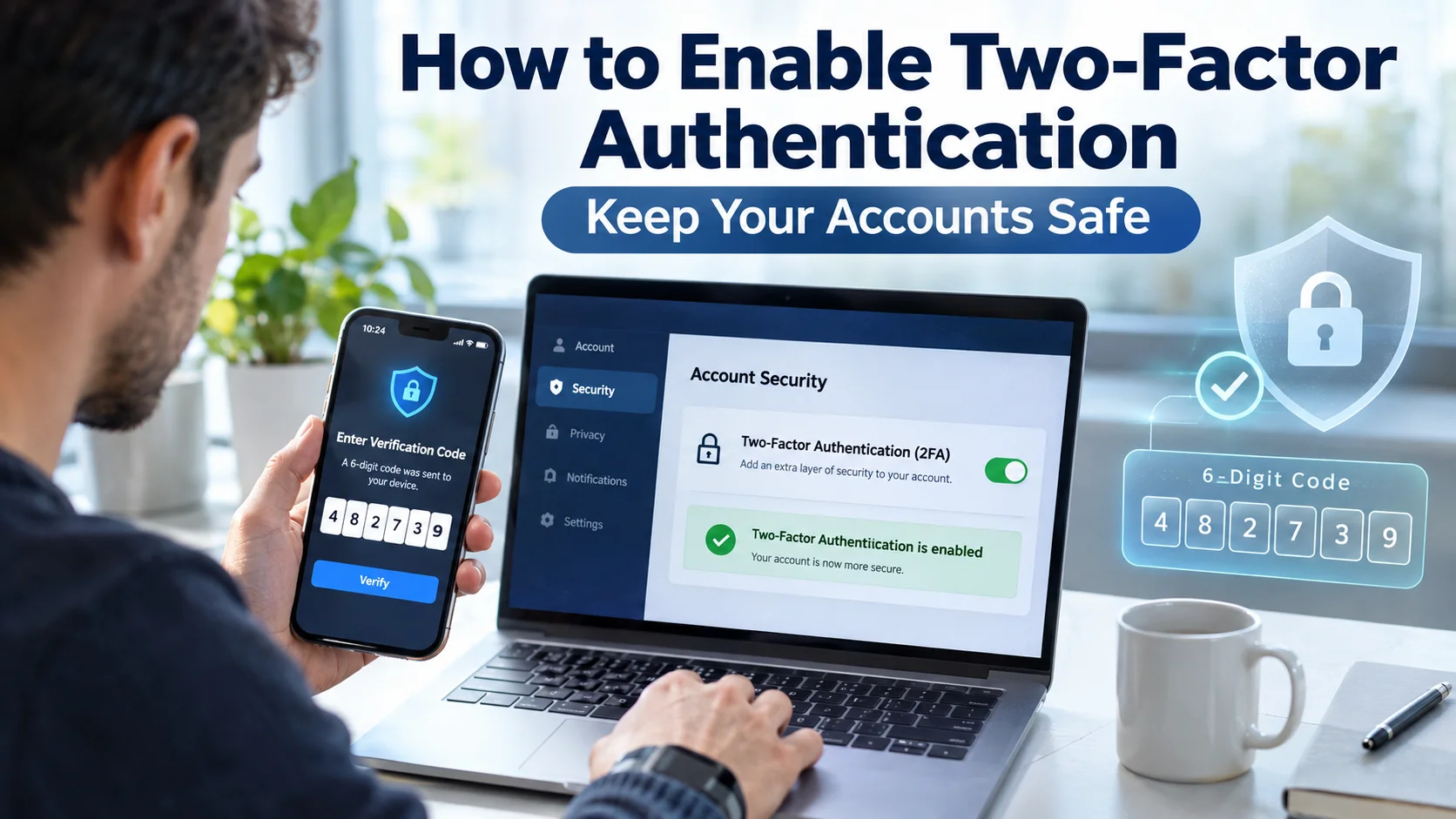
Online security matters more than ever. Every day, hackers try to steal passwords, access personal information, and take control of online accounts. A strong password helps, but it does not provide complete protection.
That is why many people want to learn how to enable two-factor authentication. This simple security feature adds an extra layer of protection to your accounts. Even if someone steals your password, they still need a second verification step before they can log in.
In this guide, you’ll learn how to enable two-factor authentication, why it matters, how it works, and the best ways to use it. You’ll also discover common mistakes to avoid and practical tips that can make your online accounts much safer.
What Is Two-Factor Authentication?
Two-factor authentication, often called 2FA, is a security feature that requires two forms of identity verification before you can access an account.
Traditionally, logging into a website only requires a username and password. With 2FA, you provide a second piece of information after entering your password.
This second step helps confirm that you are the real owner of the account.
Common verification methods include:
- A code sent by text message
- An authentication app
- A security key
- A fingerprint scan
- Face recognition
Think of it like locking your front door and then also using a security alarm. Both work together to keep intruders out.
Why Two-Factor Authentication Is So Important
Password theft happens more often than many people realize. Cybercriminals use phishing emails, malware, and data breaches to collect passwords.
If you rely only on a password, one successful attack can expose your account.
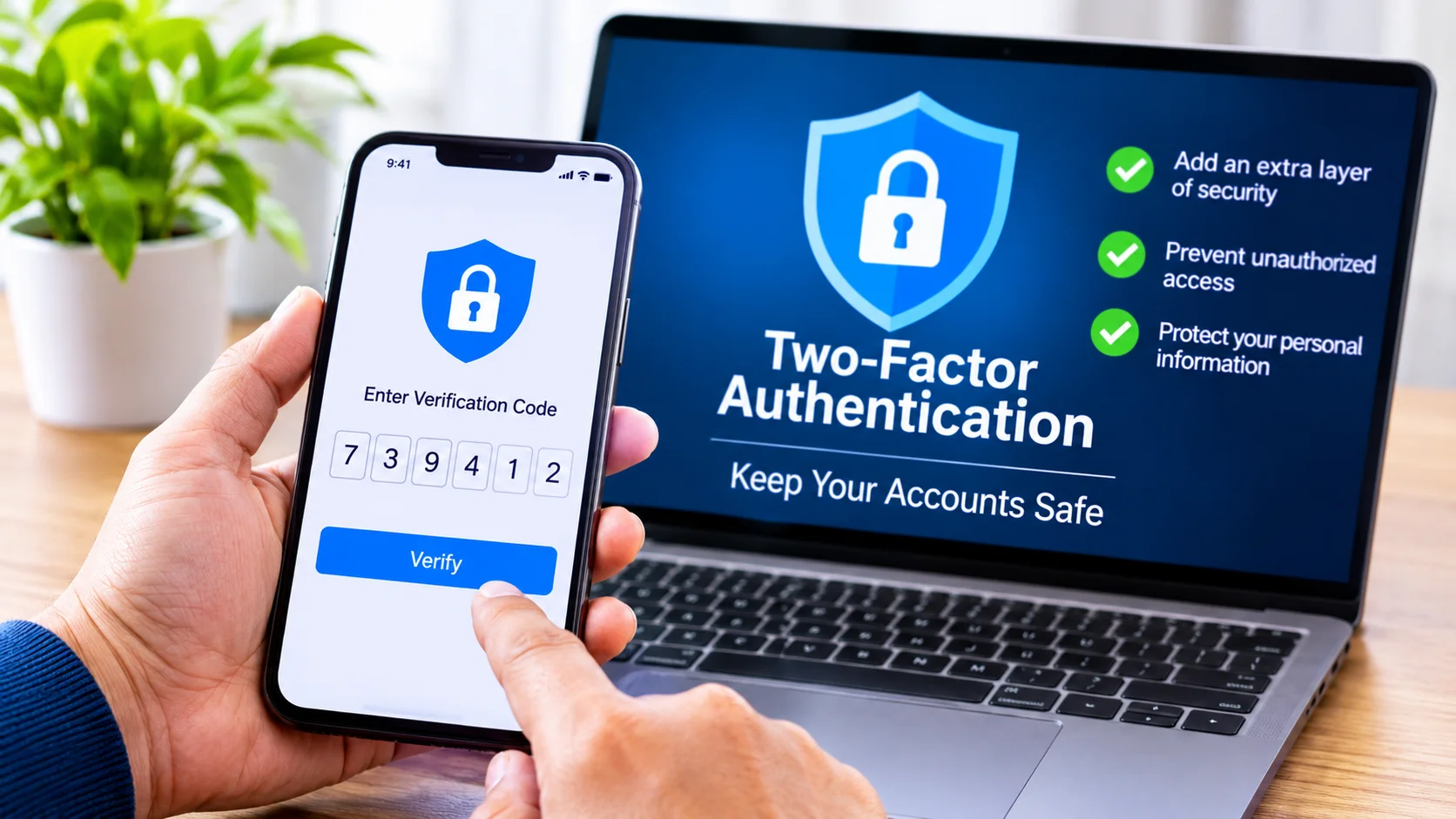
When you learn how to enable two-factor authentication, you reduce that risk significantly. Even if someone discovers your password, they still need access to your phone, authentication app, or security key.
Some major benefits include:
- Better account protection
- Reduced risk of identity theft
- Stronger privacy controls
- Protection against stolen passwords
- Increased peace of mind
For most users, enabling 2FA takes less than five minutes but provides long-term security benefits.
How Two-Factor Authentication Works
Before learning how to enable two-factor authentication, it helps to understand the process.
When you log in, the website checks your password first. If the password is correct, the system asks for a second verification method.
The process usually looks like this:
| Step | Action | Purpose |
|---|---|---|
| 1 | Enter username and password | Verifies login credentials |
| 2 | Receive authentication request | Confirms account ownership |
| 3 | Enter verification code or approve request | Provides second proof of identity |
| 4 | Access account | Login completed securely |
This extra verification prevents unauthorized access even if a password has been compromised.
Different Types of Two-Factor Authentication
Not all 2FA methods work the same way. Some offer stronger protection than others.
Text Message Verification
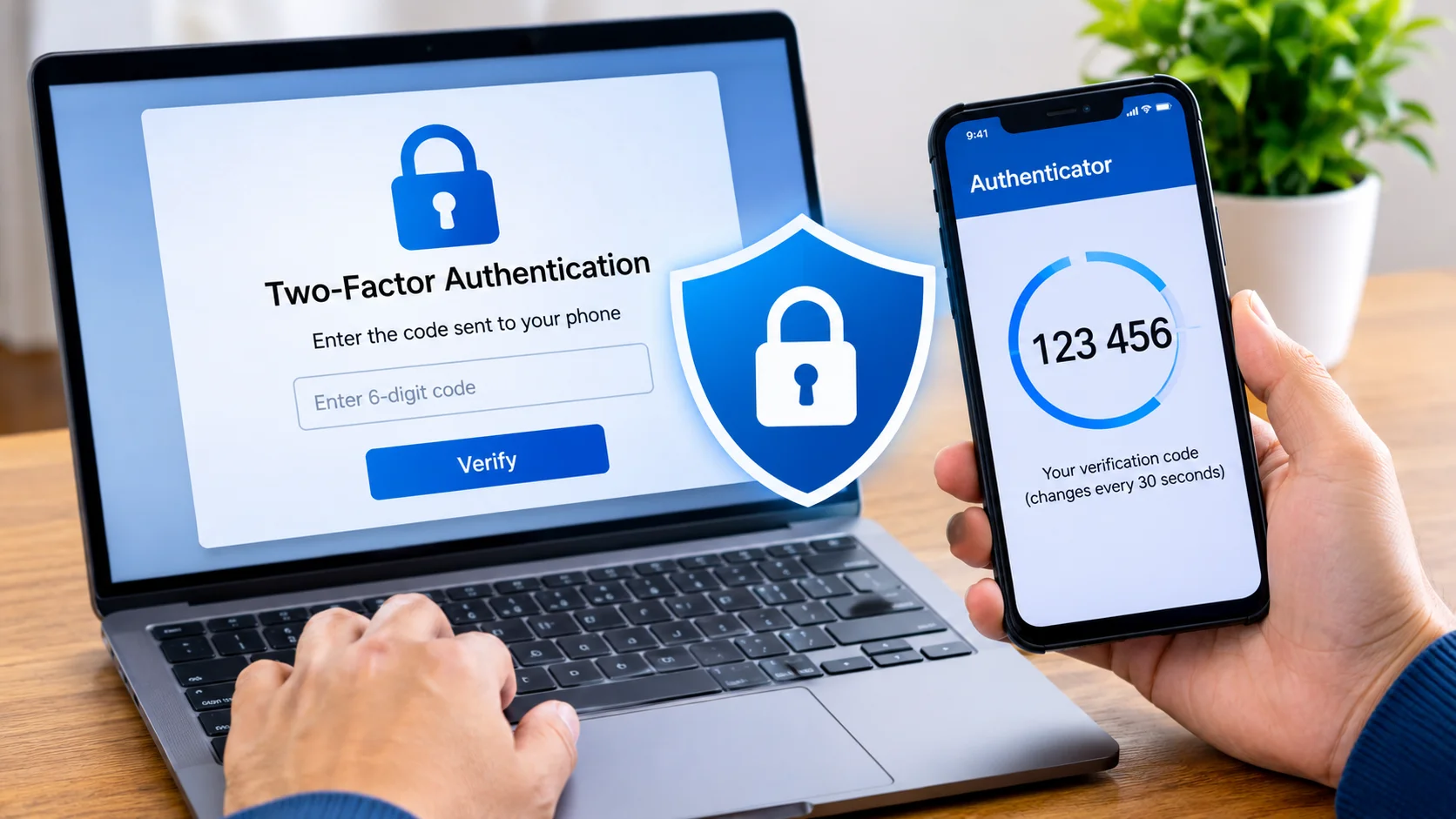
This is one of the most common options. After entering your password, you receive a code through SMS.
You then type the code into the login page.
Many people choose this method because it is simple. However, security experts generally consider it less secure than authentication apps because attackers can sometimes intercept messages.
Authentication Apps
Authentication apps generate temporary login codes directly on your device.
Popular apps include:
- Google Authenticator
- Microsoft Authenticator
- Authy
These apps create new codes every 30 seconds. Since the codes stay on your device, they offer stronger protection than text messages.
Many security professionals recommend this option when learning how to enable two-factor authentication.
Push Notifications
Some services send a notification to your phone instead of a code.
When you try to log in, a message appears asking whether you approve the login request.
Simply tap “Approve” or “Deny.”
This method combines convenience with strong security.
Security Keys
A security key is a physical device that connects through USB, Bluetooth, or NFC.
After entering your password, you insert or tap the security key to verify your identity.
This method provides one of the highest levels of account protection available today.
Biometric Verification
Biometric authentication uses physical features such as:
- Fingerprints
- Face recognition
- Eye scans
Since these features are unique to each person, they add another strong layer of security.
How to Enable Two-Factor Authentication on Most Accounts
The exact process differs slightly between websites and apps, but the general steps remain similar.
Step 1: Log Into Your Account
Open the account you want to protect.
This could be your email account, social media profile, banking app, or cloud storage service.
Step 2: Open Security Settings
Navigate to your account settings.
Look for sections labeled:
- Security
- Privacy
- Login Security
- Account Protection
Many services place 2FA options in these areas.
Step 3: Find Two-Factor Authentication
Locate the setting called:
- Two-Factor Authentication
- Two-Step Verification
- Multi-Factor Authentication
Select the option to enable it.
Step 4: Choose a Verification Method
You will usually choose between:
- SMS codes
- Authentication apps
- Security keys
- Push notifications
Many users prefer authentication apps because they provide strong security and easy access.
Step 5: Verify Your Identity
The service may ask you to enter a code or confirm your identity before activation.
Follow the instructions provided.
Step 6: Save Backup Codes
Most platforms generate backup codes.
Store these codes in a safe place. They can help you regain access if you lose your phone or security device.
Step 7: Test the Setup
Log out and sign back in.
Make sure the second verification step works properly before relying on it.
Congratulations. You now know how to enable two-factor authentication and improve your account security.
Accounts That Should Always Have 2FA Enabled
While every account benefits from added protection, some are especially important.
Email Accounts
Your email account often serves as the master key to other accounts.
If someone gains access to your email, they can reset passwords for many connected services.
Banking and Financial Services
Financial accounts contain sensitive data and direct access to money.
Always enable 2FA whenever your bank offers it.
Social Media Platforms
Social media accounts contain private messages, personal photos, and contact information.
A hacked account can damage your reputation and expose personal details.
Cloud Storage Services
Cloud accounts often contain documents, photos, and backups.
Two-factor authentication provides an extra shield for this valuable information.
Work and Business Accounts
Business data often attracts cybercriminals.
Organizations increasingly require employees to use 2FA for workplace security.
Common Mistakes to Avoid
Many users enable 2FA but make small mistakes that create future problems.
Ignoring Backup Codes
People often save backup codes and then forget where they stored them.
Keep backup codes in a secure location that you can access when needed.
Using Only One Device
If your only authentication device breaks or gets lost, account recovery can become difficult.
Consider setting up multiple trusted devices whenever possible.
Falling for Phishing Attempts
Hackers may trick people into entering verification codes on fake websites.
Always verify that you are on the correct website before entering authentication information.
Delaying Updates
Authentication apps and devices need updates just like any other software.
Regular updates help maintain security and fix vulnerabilities.
Benefits Beyond Better Security
Most people focus on protection when learning how to enable two-factor authentication, but additional advantages exist.
Many online services actively encourage 2FA because it reduces account compromise.
Some platforms even provide extra features or security alerts for users who activate stronger protection methods.
Businesses benefit because fewer hacked accounts reduce support requests and security incidents.
Individuals benefit because they spend less time dealing with password recovery and fraud issues.
What Happens If You Lose Your Phone?
This is one of the most common concerns about two-factor authentication.
Fortunately, most platforms prepare for this situation.
Possible recovery options include:
- Backup codes
- Alternate phone numbers
- Secondary authentication devices
- Recovery email addresses
- Identity verification procedures
Before enabling 2FA, review the account recovery options carefully.
Taking a few minutes to prepare can save hours of frustration later.
Is Two-Factor Authentication Enough?
Two-factor authentication significantly improves security, but it should not replace other good habits.
Continue following these best practices:
- Create unique passwords
- Use a password manager
- Keep devices updated
- Avoid suspicious links
- Monitor account activity regularly
Think of 2FA as one important part of a complete security strategy.
The safest accounts combine strong passwords, updated software, and two-factor authentication.
Tips for Making Two-Factor Authentication Easier
Some users worry that security features will make daily logins annoying.
In practice, most people adjust very quickly.
Try these tips:
- Use an authentication app for faster approvals.
- Mark trusted personal devices when appropriate.
- Keep backup codes organized.
- Enable 2FA gradually across your accounts.
- Review security settings every few months.
After a short adjustment period, the process becomes routine.
Most users find the extra few seconds well worth the added protection.
The Future of Account Security
Technology continues to evolve, and authentication methods continue to improve.
Many companies now support passwordless login systems that combine biometrics, security keys, and device verification.
Despite these advances, understanding how to enable two-factor authentication remains one of the most valuable security skills today.
Until passwordless technology becomes universal, 2FA remains one of the simplest and most effective ways to reduce cyber risks.
Frequently Asked Questions
What is two-factor authentication in simple terms?
Two-factor authentication adds a second security step after your password. It helps confirm your identity before granting access to your account.
How long does it take to enable two-factor authentication?
Most platforms allow you to set up 2FA in less than five minutes. The process usually involves choosing a verification method and confirming your identity.
Which 2FA method is the most secure?
Security keys and authentication apps generally offer stronger protection than SMS codes. They reduce the risk of intercepted verification messages.
Can I use two-factor authentication on multiple devices?
Yes, many services allow you to add multiple trusted devices. This helps prevent account lockouts if one device becomes unavailable.
Do I need two-factor authentication if I use a strong password?
Yes. A strong password helps, but two-factor authentication adds another layer of protection. Even if someone learns your password, they still cannot easily access your account.
Conclusion
Learning how to enable two-factor authentication is one of the smartest steps you can take to protect your online accounts. Passwords alone no longer provide enough security in today’s digital world. A second verification step makes it much harder for attackers to gain unauthorized access.
Whether you choose SMS verification, an authentication app, push notifications, or a security key, the important thing is to start using 2FA today. Protect your email, banking, social media, cloud storage, and business accounts whenever possible. A few minutes of setup can help prevent serious security problems in the future and give you greater confidence every time you log in.
[…] to Update BIOS Safely: A Complete Step-by-Step Guide for Beginners How to Enable Two-Factor Authentication and Keep Your Accounts Safe How to Connect Printer to WiFi: A Complete Step-by-Step Guide How to Set Up a New Router Step […]